

When a warning light comes on during a dig, push, or load cycle, the real problem is usually downtime—not the light itself. This guide explains Caterpillar warning symbols and meanings in a practical way: what the common CAT warning lights really point to, what to check first on off-road machines, when to shut down, and how to reset lights only after the cause is fixed.
What are the Different Types of Caterpillar Warning Lights?
CAT machines use multiple “layers” of warnings so you can react before a small issue turns into a stalled jobsite. Even if the icons differ by model, the categories below show up across excavators, dozers, compact track loaders, and wheel loaders.
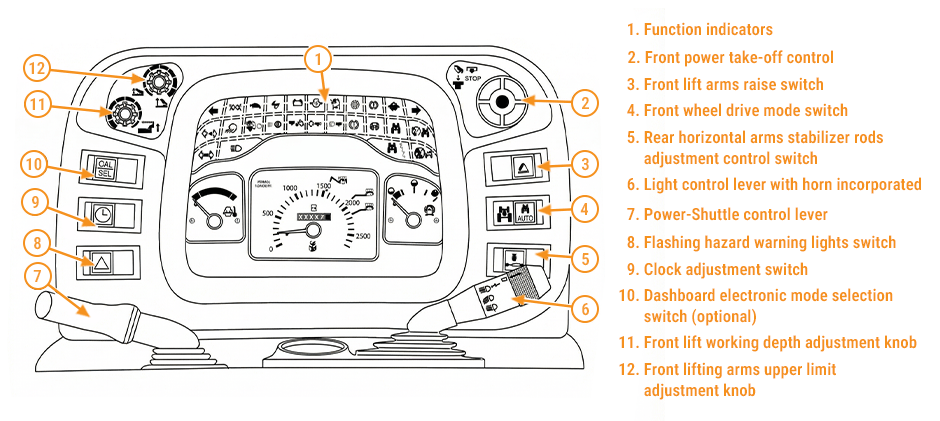
1) Status/function indicators
These show an operating mode or an active function—not a fault. Examples: work lights on, high beam, parking brake applied, regen active, cruise/auto-idle active (varies by machine).
2) Caution/service indicators
Often amber/yellow. These warn that a system is out of target range or service is needed soon (restriction, low fluid level, sensor reading drifting, mild overheating trend, etc.). You can often finish a short cycle safely, but you should plan a controlled stop and inspection.
3) Stop/shutdown warnings
Usually red (sometimes paired with an alarm). These indicate conditions that can damage the engine, hydraulics, or aftertreatment quickly—think low oil pressure, severe overheating, critical charging failure, or brake/steering issues (machine dependent). Treat these as “protect the iron and protect people.”
4) Gauges that act like warning tools
On many CAT dashboards, gauges are not just “nice to have.” Readings like tachometer (RPM), ammeter/charging, coolant temp, and pressure gauges help you avoid warnings by catching trends early.
5) Message center alerts and diagnostic codes
Modern off-road equipment often pairs a light with a text message and a code. The icon tells you where to look, while the code helps narrow down the exact circuit, sensor, or system condition.
What Does Each Caterpillar Warning Light Mean?
For each one, the goal is the same: identify the risk, do the fastest safe checks, and prevent repeat failures.
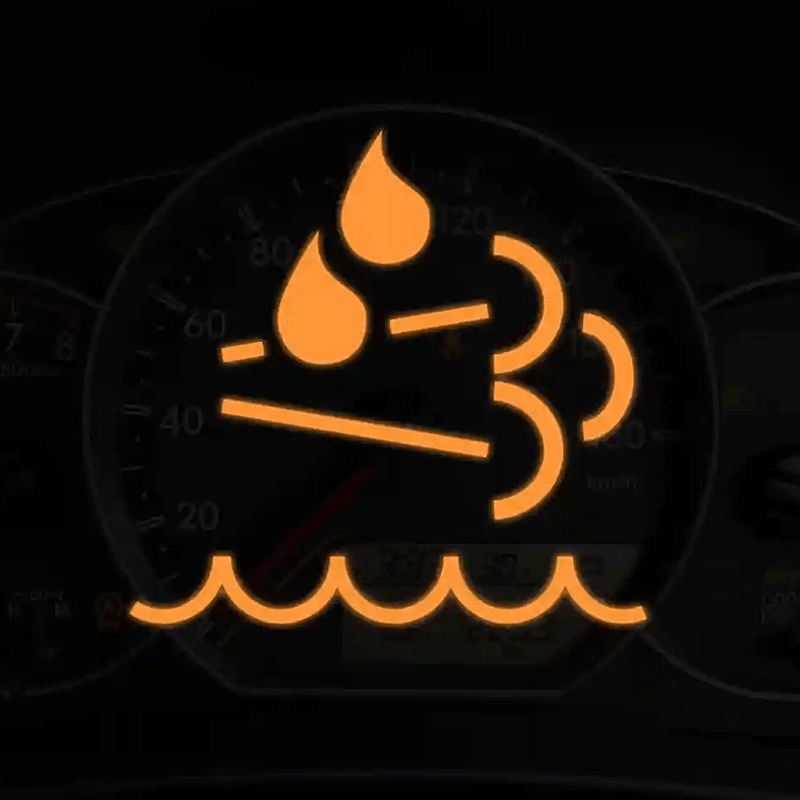
DEF Fluid Warning Light
- What it usually means: The DEF system needs attention—commonly low DEF level, poor DEF quality, dosing/heater issues, or a fault in the aftertreatment/NOx control system (varies by tier and machine).
- Why it matters: DEF faults can trigger engine derate. That can turn a productive shift into slow cycle times—especially on machines that need steady RPM and load (dozers pushing, excavators trenching, loaders loading out).
- What not to do:
- Don’t “top off” DEF with unverified fluid or dirty containers.
- Don’t ignore repeated DEF warnings—derate tends to escalate, not disappear.
Parts angle: DEF/aftertreatment faults often involve sensors, filters, and pumps. If troubleshooting points to a failed component, sourcing the correct aftermarket CAT replacement quickly is what gets you back to work.
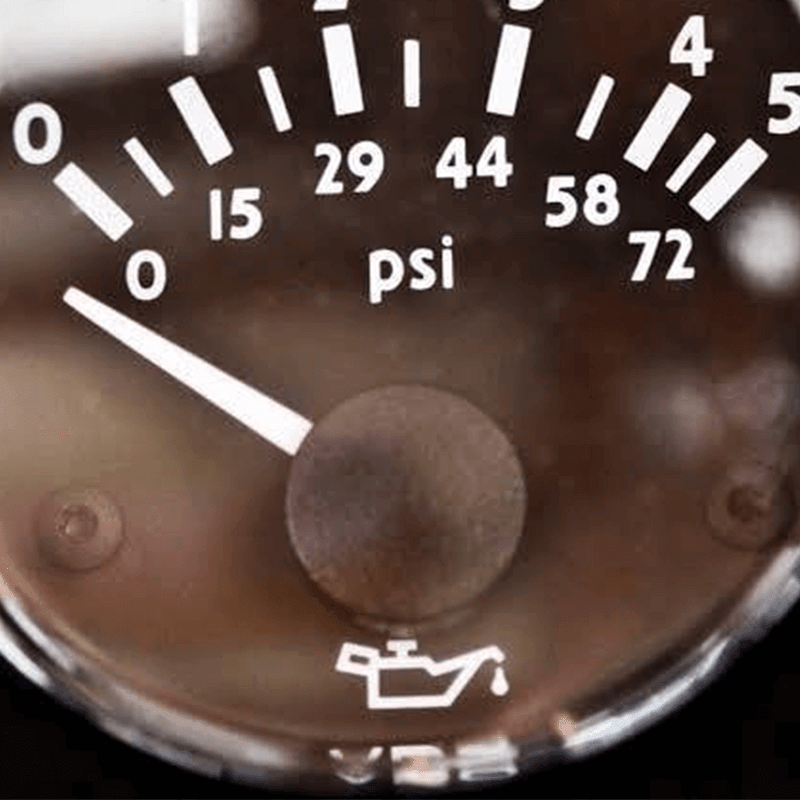
Engine Oil Pressure Light
- What it usually means: Oil pressure is below the safe threshold for the current RPM/load. This can be real low pressure or a faulty sensor/wiring issue—but you must treat it as real until confirmed.
- Why it matters: Low oil pressure can damage bearings and turbo components fast. On off-road machines, heavy load + hot ambient temps + long idle cycles can make oil-related problems show up abruptly.
- Practical tip: If the oil pressure light appears right after a service, suspect the “simple” mistakes first: wrong filter, double gasket, incorrect oil fill, or a loose connector.
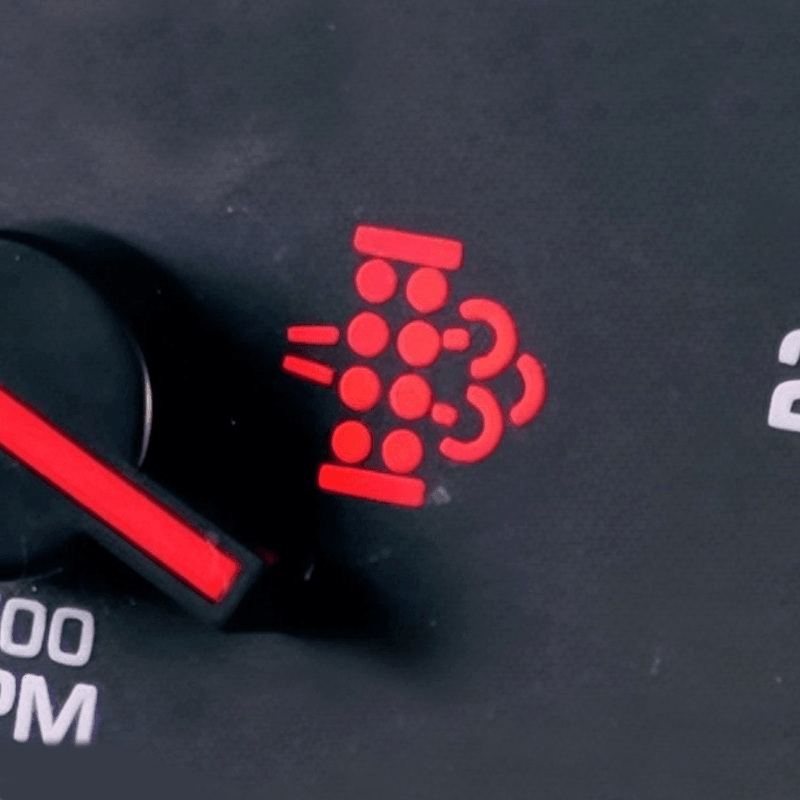
Emissions Fault Warning Light
- What it usually means: A problem in the emissions/aftertreatment control system (depending on machine: DPF, SCR, sensors, dosing, temperature/pressure differentials, etc.).
- When to stop and service: If the machine derates hard, the warning persists after a proper regen attempt (when permitted), or you see multiple related alerts, schedule service rather than “cycling the key” all day.
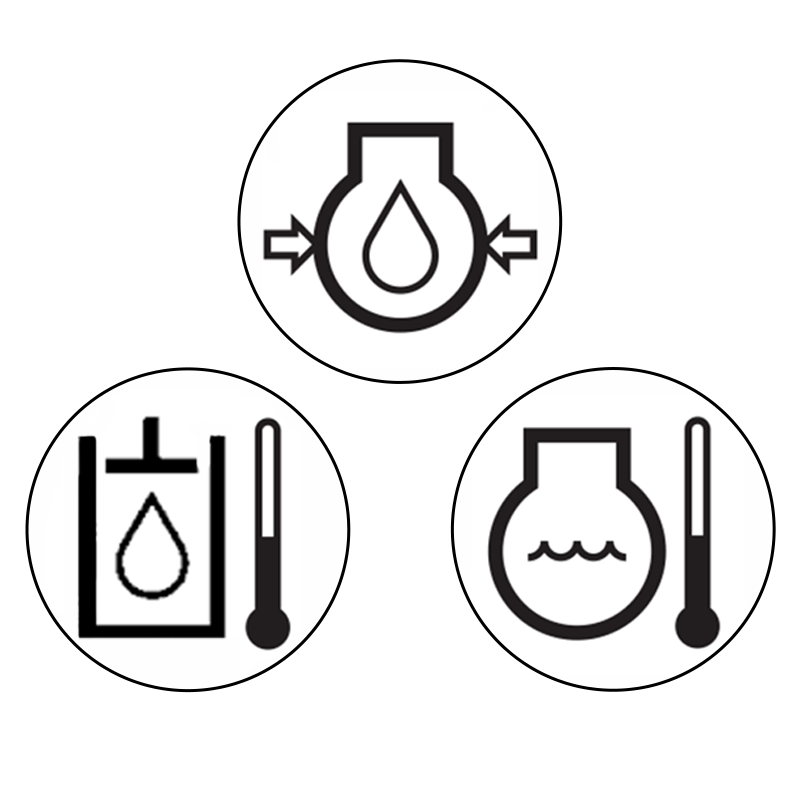
Coolant Temperature Light
- What it usually means: Coolant temperature is above the normal operating range, or the cooling system isn’t controlling heat under the current load.
- Why it matters: High hydraulic demand + high engine load + dirty environments means cooling systems get overwhelmed when airflow is reduced (debris), coolant is low, or the fan/radiator stack is restricted.
- Prevent repeat overheating:
- Keep cooler packs clean on a schedule, not just when the light appears.
- Confirm shrouds and seals are intact; missing seals can cut cooling efficiency.
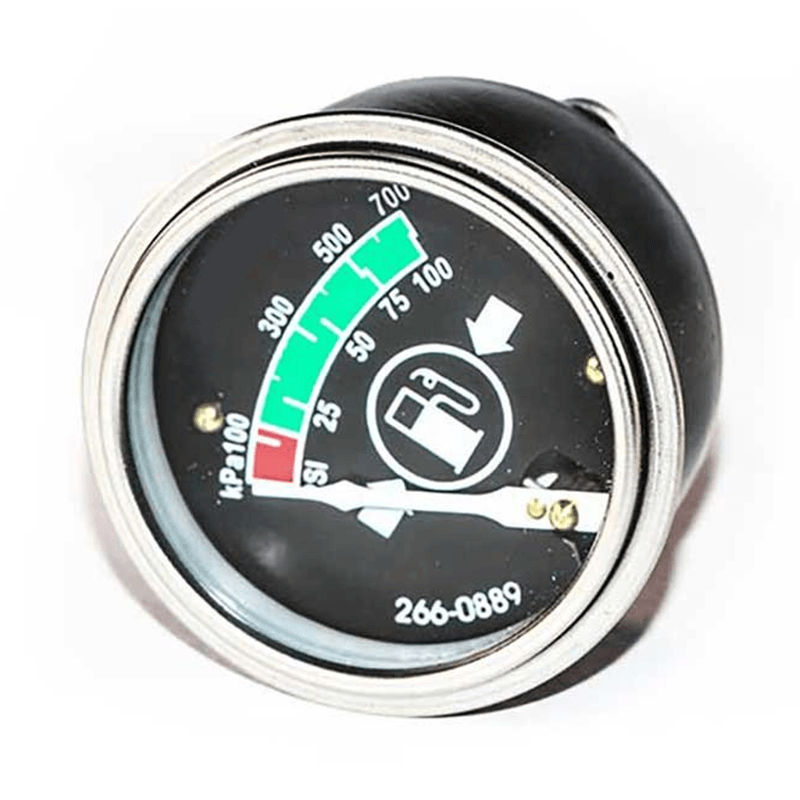
Ammeter on Caterpillar
- What it indicates: Whether the system is charging the battery or drawing from it. On some machines, you may see voltage instead of amperage, but the logic is similar.
- What “abnormal” looks like in the field:
- Large discharge at normal operation (battery being drained)
- No charge after startup (alternator/regulator/connection issue)
- Fluctuating reading with accessory use (possible loose connection, failing alternator, poor grounds)
- Why it matters: A weak charging system leads to no-starts, unstable sensor readings, and nuisance fault lights—especially in cold starts, night work with lighting, or machines with many electronic controls.
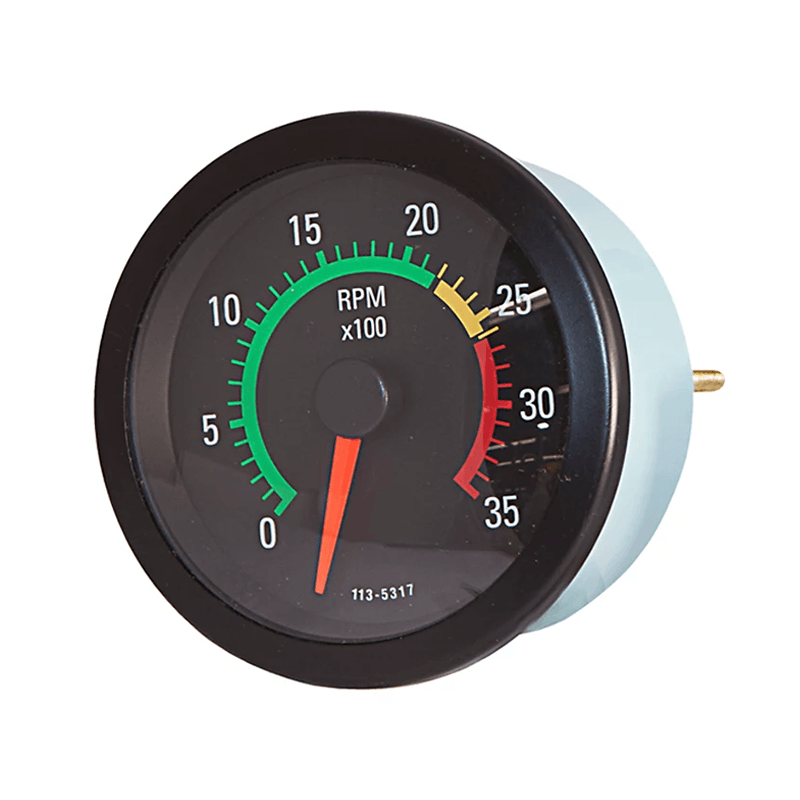
Tachometer on Caterpillar
- What it indicates: Engine revolutions per minute. It’s one of the most useful tools for reducing wear, because many faults start with incorrect operating habits.
- How to use it to avoid warnings:
- Avoid lugging: low RPM + high load can raise exhaust temps and stress drivetrain/hydraulics.
- Avoid overspeed: excessive RPM increases heat and wear and can worsen fuel use.
- Match RPM to task: trenching, grading, and loading often have different “sweet spots.”
Common Caterpillar Warning Lights & What to Do
| Indicator / Gauge | Typical meaning | Likely risk if ignored | First action | Keep working? |
|---|---|---|---|---|
| DEF fluid warning | Low DEF / DEF system fault | Derate, emissions system damage, | Verify level/quality, record codes | Sometimes briefly, but plan service |
| Engine oil pressure | Pressure below the safe level | Rapid engine damage | Idle, then shut down if it stays on | No if persistent |
| Emissions fault | After treatment/emissions fault | Derate, regen issues, repeated faults | Check for obvious blockage, record codes | Limited; depends on the severity of deratation |
| Coolant temp | Overheat trend or overheating | Head gasket, warped components, breakdown | Reduce load, inspect cooling stack | Only if the temp drops quickly |
| Ammeter/charging | Charging issue or heavy draw | No-start, erratic electronics | Check cables/grounds/belt | Yes, briefly, but fix it soon |
| Tachometer | RPM status (not a fault by itself) | Bad operation habits raise wear and temps | Adjust technique/RPM for task | Yes—use it to prevent faults |
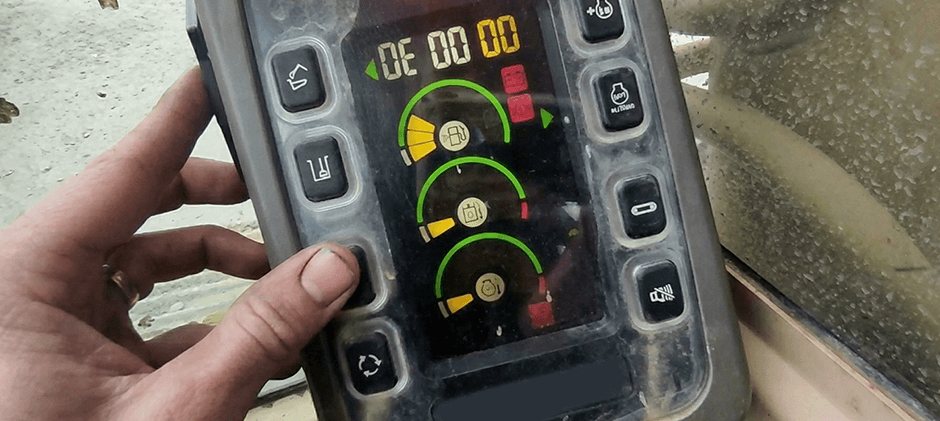
Each Caterpillar Warning Light Color Mean
Color rules are meant to be fast and universal, even when symbols vary.
- Red = Stop / protect the machine.
Treat as immediate action. Reduce load, move to a safe spot, and shut down if the condition persists.
- Amber/Yellow = Caution/service soon.
You can often finish a short cycle, but don’t ignore it. Find the cause before it becomes a red-level issue.
- Green = Normal operation or active function.
Usually informational (feature on).
- Blue = Active function (model-dependent).
Often indicates a system is active; not typically a fault color.
- White/Gray = Info/advisory.
Often used for messages, reminders, or mode indicators.
Best habit: Color tells urgency; the message/code tells direction. Use both, not just the icon.
How to Reset Caterpillar Warning Lights?
Resetting a light without fixing the cause is how small problems become repeat problems. Use this sequence instead:
- Make the machine safe. Park, lower attachments, set brake/lockout, follow site policy.
- Record the warning details. Note icon + any message + code + operating conditions (RPM, load, temperature, recent service).
- Correct the root cause. Add the correct fluid, clean cooler packs, repair wiring, replace failed sensors/components, etc.
- Key cycle (basic reset). Many alerts clear after a key-off/key-on when the fault is gone.
- Use the service menu / diagnostic tool when needed. Some emissions-related faults and stored codes require proper clearing after repair.
- Test under the same conditions. Run the same load/RPM that triggered the warning to confirm it’s truly resolved.
If the warning comes back quickly, treat it as an active fault. Re-check connectors, harness routing, grounds, and related sensors—intermittent wiring problems are common on off-road machines due to vibration and debris.
FAQs About CAT Warning Lights
1) Are warning lights the same across all CAT machines?
No. The same system may use different icons across excavators vs. loaders, and newer machines may show messages/codes. Always confirm with your operator’s manual for your serial number range.
2) What should be done first when a warning appears during work?
Reduce load and stabilize operation (idle/neutral if needed), then read the message center. Record the code before turning the key off—this prevents losing useful info.
3) Is it safe to keep running with an amber/yellow light?
Sometimes, for a short controlled period. But if you notice a derate, overheating trend, abnormal noise, or pressure loss, stop and troubleshoot. “Finish the pass” is fine; “finish the day” can be expensive.
4) Why do multiple unrelated lights come on at once?
Low system voltage, poor grounds, or a failing charging circuit can create random alerts. Check battery connections and charging readings early—especially if starts are weak.
5) Do undercarriage problems trigger warning lights?
Undercarriage wear usually shows up first as vibration, poor tracking, noise, or reduced travel efficiency—not a specific dash icon. But severe drag or misalignment can increase load and heat, which can contribute to temperature-related warnings. If you suspect undercarriage wear, inspect rollers, idlers, sprockets, track chains, and tension components.
For replacement options built for heavy-duty use (track chains, rollers, sprockets, idlers, recoil springs, tension cylinder assemblies, and track groups), check to find compatible CAT undercarriage parts for excavators, compact track loaders, and dozers.
Conclusion
Warning lights are only useful when they lead to the right next step: reduce risk, confirm the cause, and fix it once. If a repair calls for replacement components, we support off-road machinery owners with high-quality aftermarket parts at affordable prices, a vast inventory, and wide compatibility across many heavy equipment brands. Use the checks in this guide to diagnose faster, then get back to safe, steady production.
